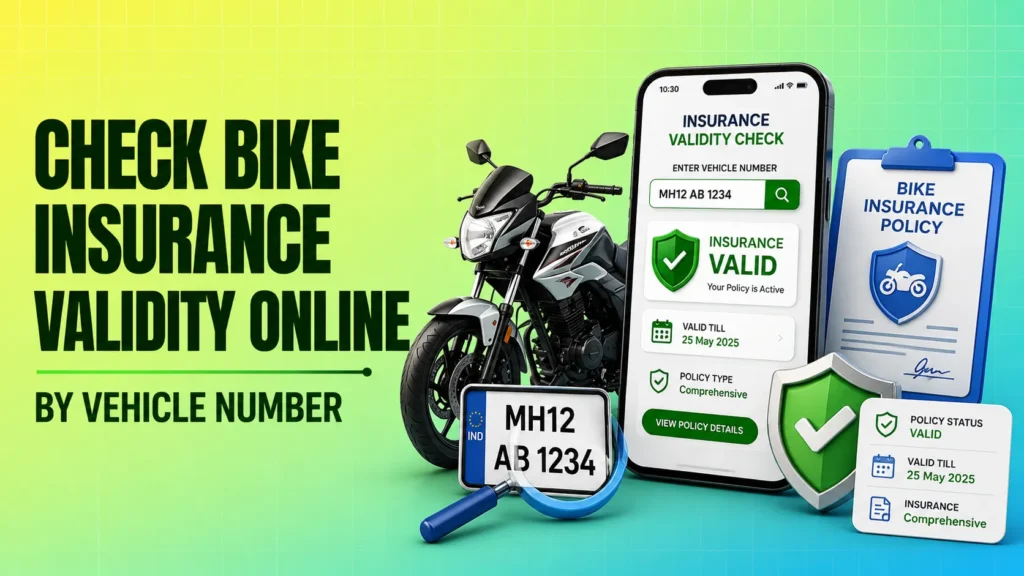
If you want to know how to check bike insurance validity, the quickest way is to use your vehicle registration number on official platforms. In India, your bike insurance record can usually be verified through government-backed systems such as VAHAN, the mParivahan app, or your insurer’s website. This is useful before a road trip, during policy renewal, or when you are confirming whether your coverage is still active.
Under the Motor Vehicles Act, riding a bike without valid insurance can create avoidable trouble. The good news is that you do not need to visit an office or call multiple branches just to verify the status. In many cases, you can check bike insurance status online within a few minutes using only your registration number, and sometimes your policy number if you want to confirm the insurer’s own record.
The most reliable source is the official VAHAN database managed under the Ministry of Road Transport and Highways (MoRTH). Private aggregator websites may show useful search tools, but they are not the primary source of truth. If you want a trustworthy bike insurance check by vehicle number, start with government portals first.
Official Methods How to Check Bike Insurance Validity Online
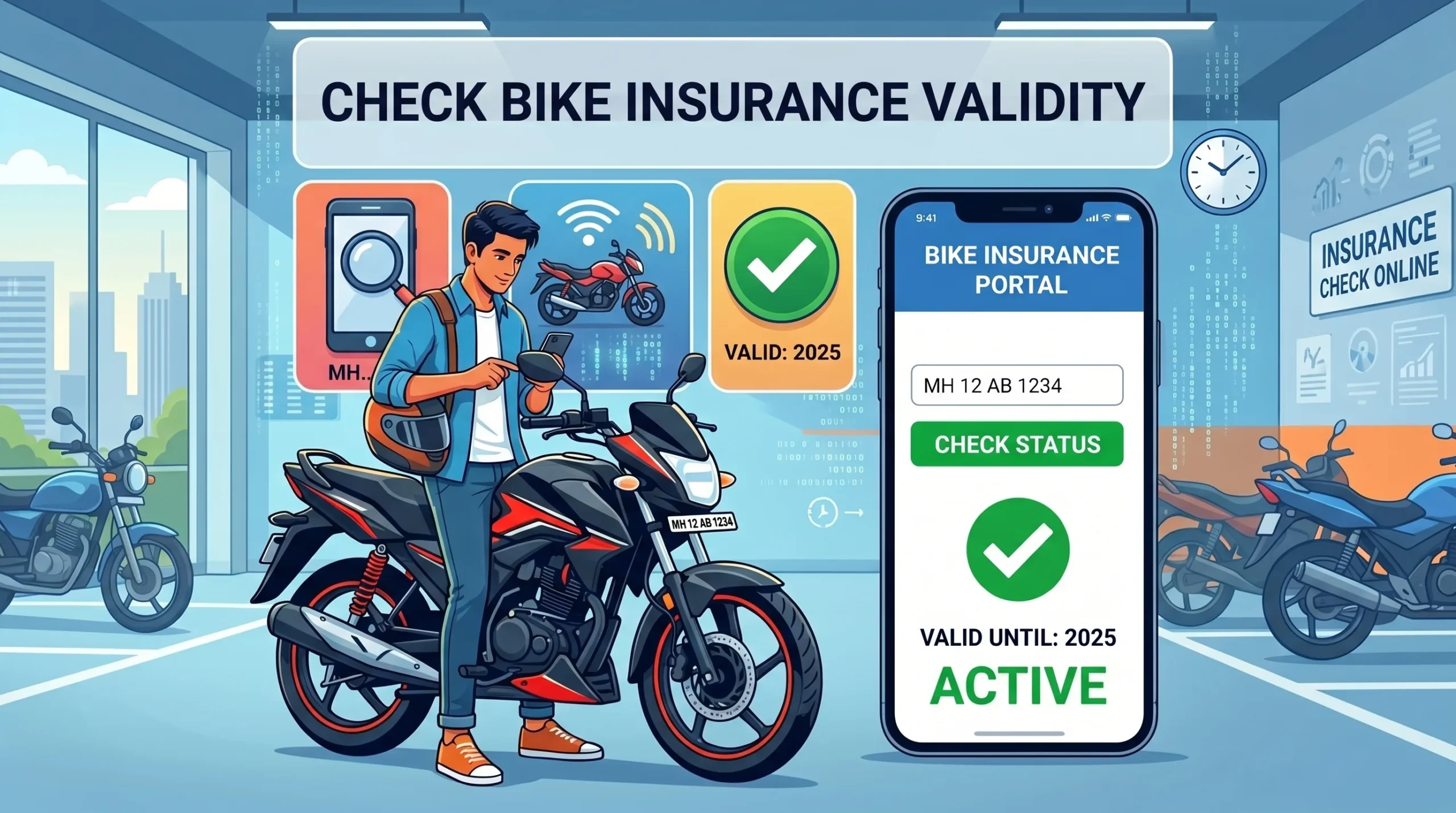
There are three practical ways to verify whether your bike insurance is active online. The first and most trusted option is the VAHAN or Parivahan system. The second is the mParivahan app, which is built for easier mobile use. The third is your insurer’s own website, which can help when the central database has not refreshed yet.
For most users, the process is simple: enter the vehicle registration number, open the insurance details, and check the policy dates. If the policy is active, you should see the insurer name, policy number, and validity period. If it is missing or expired, you should confirm the details directly with the insurer before riding the bike.
Using the mParivahan App
The mParivahan app is one of the easiest ways to check bike insurance status online from a phone. It is especially useful if you want a quick view while travelling or before handing over a bike for sale or purchase.
- Download the official mParivahan app from the Google Play Store or Apple App Store.
- Open the app and choose the vehicle-related option.
- Enter your bike’s registration number exactly as it appears on the RC.
- Open the dashboard or registration details section.
- Look for the insurance validity dates and insurer information.
If the record is available, the app usually shows basic vehicle details along with the current insurance status. Keep in mind that the app reflects data uploaded into the central system, so a newly issued policy may not appear immediately.
A practical example: if you renewed your policy today, the mParivahan app may still show the old expiry date for a short period. In that case, wait for the database to update and cross-check the policy document from your insurer.
Checking via the e-VAHAN Portal
The e-VAHAN or Parivahan portal is the official government route for vehicle-related verification. This is the most reliable place to begin if you want a government-backed bike insurance check by vehicle number.
Use the official Ministry of Road Transport and Highways vehicle services portal and look for the feature commonly known as “Know Your Vehicle Details” or a similar registration search option. Enter your vehicle registration number, complete any simple verification step if prompted, and review the vehicle record.
What you usually need:
- Bike registration number
- Basic verification step such as a captcha
- Internet access on a phone or computer
The portal may display the insurer name, policy status, and insurance expiry date if the record has been updated by the insurer. Because this is a central database, it is widely used for public verification and is the most trustworthy starting point for checking validity.
Using Your Specific Insurance Company’s Website
If the VAHAN record is delayed or not visible, your insurer’s own website is the next best option. This can be especially helpful after policy renewal, because insurer systems often update faster than the public database.
Most insurance company portals ask for one or more of the following:
- Policy number
- Vehicle registration number
- Mobile number or email linked to the policy
Once you log in or enter the required details, you can see the policy start date, expiry date, and coverage type. This is useful when you want to confirm whether the policy is still active and whether the details match your documents.
Use this method as a complement to VAHAN, not a replacement. If the insurer’s portal shows the policy as active but the government database has not updated yet, the insurer record is often the better source for the latest issue date. Still, keep a copy of the policy document and confirm any mismatch directly with customer care.
Important Details to Verify
When you check bike insurance validity, do not stop at the word “active.” A proper verification should tell you more than that. You should check the dates, insurer name, policy number, and coverage type so that the record is complete and matches your policy document.
This matters because a policy can look active on one system while the actual document contains a different cover type, wrong registration number, or an expired add-on. If you are checking before a trip, before renewing, or before buying a used bike, these details matter as much as the status itself.
| Data Point | Why It Matters | What to Check |
|---|---|---|
| Policy Expiry Date | Tells you when cover ends | Make sure the date is in the future and matches your policy document |
| Coverage Type | Shows whether you have third-party or comprehensive cover | Check whether the policy matches what you purchased |
| Insurer Name | Confirms which company issued the policy | Verify that the name matches the insurer on your document |
| Policy Number | Helps with renewals, support, and claim reference | Check for accuracy and keep it stored safely |
Third-party insurance covers liability to others as required by law, while comprehensive insurance usually includes broader protection for your bike as per policy terms. Always read your policy wording because inclusions, exclusions, and add-ons can differ by insurer. The validity check will tell you whether the policy exists and is active, but it will not explain every claim condition.
What to Do If Your Insurance Status Shows as “Expired”
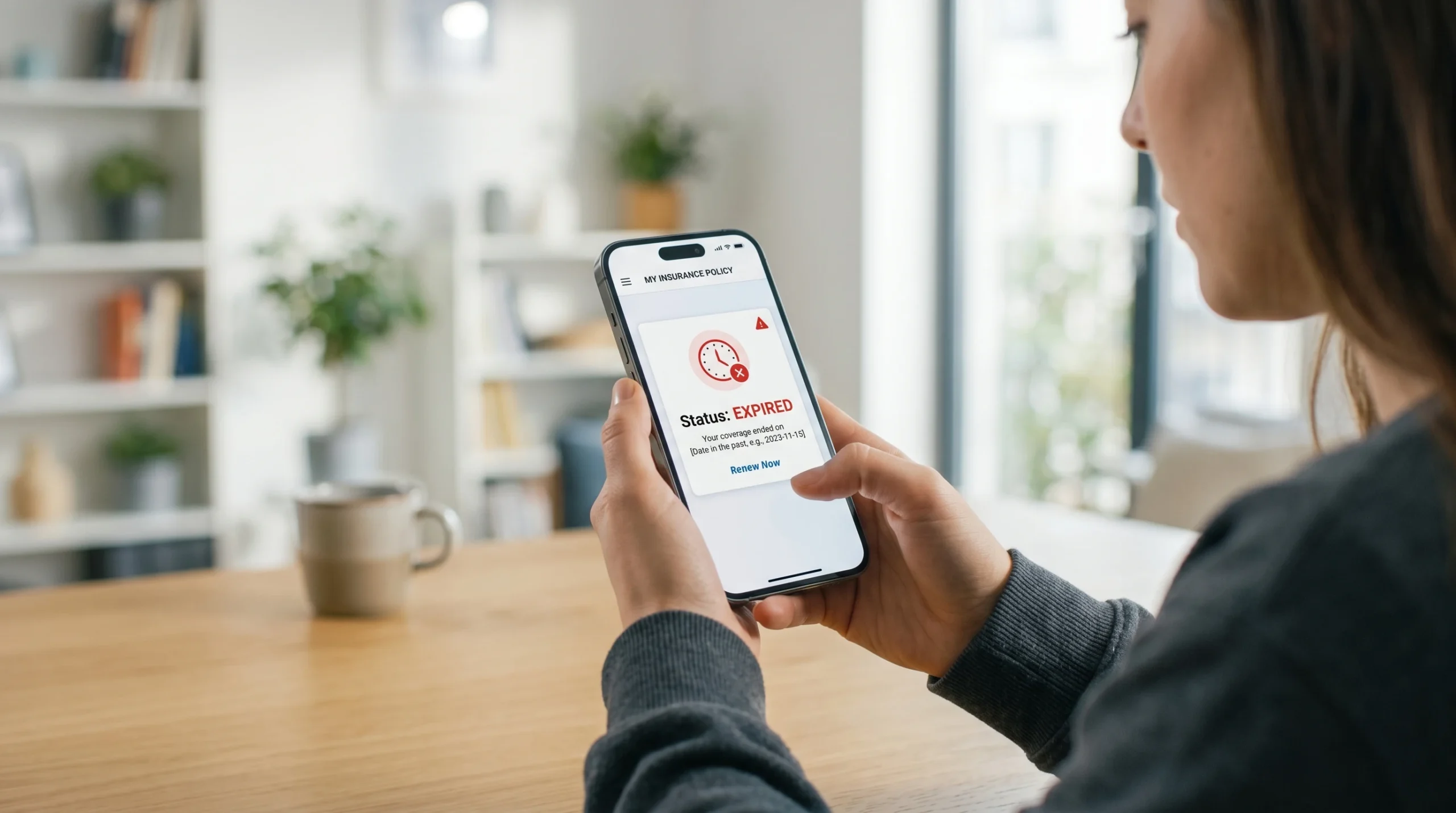
If the status shows expired, do not ignore it. Renew the policy immediately through your insurer’s website, mobile app, branch office, or a licensed insurance agent. The main goal is to restore active cover as soon as possible.
Do not ride the bike until the insurance is renewed and you have proof of active cover. If you are already at the end of your policy period, many insurers allow quick online renewal with minimal steps, but the exact process depends on the company and your policy history.
If the expiry happened recently, check whether the renewal payment has already gone through. Sometimes the payment is successful, but the status update in the central database takes time. In that case, save the payment receipt and the renewed policy copy, then contact the insurer if the mismatch continues.
Common Issues During Online Verification
Sometimes the online check does not show the result you expect. That does not always mean the policy is invalid. In many cases, the issue is a delay in data sync, a typing mistake in the vehicle number, or temporary portal downtime.
Here are the most common problems and what to do next:
- No records found: Recheck the registration number, especially letters, spaces, and state code. If the number is correct, the policy may not yet be updated in the central database.
- Portal maintenance: Try again later or use the insurer’s official website for confirmation.
- Wrong expiry date: Compare the portal result with your policy document. If they differ, contact the insurer’s customer care.
- New policy not visible yet: Wait 24 to 48 hours after issuance, since updates can take time to reflect.
If the government record is not showing your active policy, keep your policy PDF, payment confirmation, and renewal receipt handy. These documents help customer support verify the issue and correct the record if needed.
For a bike bought from someone else, the old insurance may have expired even if the seller says it is active. In that case, verify directly using the registration number and ask for the latest policy copy before you rely on any verbal confirmation.
Stay Safe: Avoid Fraudulent Verification Sites
One of the biggest mistakes people make is entering vehicle details on unofficial websites that promise “instant insurance check” or ask for payment to show basic policy data. Government portals such as VAHAN and mParivahan are free to use for verification. You should be cautious if a site asks for unnecessary personal information, card details, OTPs, or a fee for something that should be free.
Private websites may misuse vehicle registration data or try to collect leads for marketing. That does not mean every private website is unsafe, but you should treat them carefully and avoid sharing more details than needed. For a basic validity check, the official government portal or the insurer’s own website is usually enough.
Safety checklist for online verification:
- Use official government or insurer websites only
- Do not share OTP, password, or payment details for a simple status check
- Check the web address carefully before entering vehicle information
- Ignore sites that charge money for a basic vehicle record lookup
- Save a copy of your policy in DigiLocker or mParivahan for easy access
Using verified sources matters because insurance data is sensitive. A correct result helps you confirm coverage, but a fake or misleading website can expose your vehicle information without giving you reliable proof.
If you want the most dependable approach, start with the official VAHAN portal, cross-check with the mParivahan app, and confirm directly on the insurer’s website if anything looks outdated. That gives you a clear and practical way to verify your bike insurance status online without depending on untrusted sources.
FAQ
Is it legal to carry a digital copy of bike insurance in India?
Yes. Digital copies stored in DigiLocker or mParivahan are legally accepted in India when they are valid and accessible. Keep the original policy details available in digital form for easy verification.
How long does it take for a new bike insurance policy to show up online?
Usually, it takes about 24 to 48 hours after issuance for the policy to reflect in public systems like VAHAN. In some cases, the insurer’s website updates sooner than the central database.
Do I need my engine or chassis number to check validity?
For public status checks, the registration number is usually enough. Private insurer portals may sometimes ask for additional details such as policy number, mobile number, engine number, or chassis number for secure verification.
Can I check the insurance status of a bike I want to buy?
Yes. You can use the same VAHAN or mParivahan process with the bike’s registration number to see whether the insurance is active and who the insurer is.
Is the information on the mParivahan app 100% real-time?
No. The app depends on data uploaded to the central database by insurers and transport systems. If a policy was just renewed, the record may take some time to update.