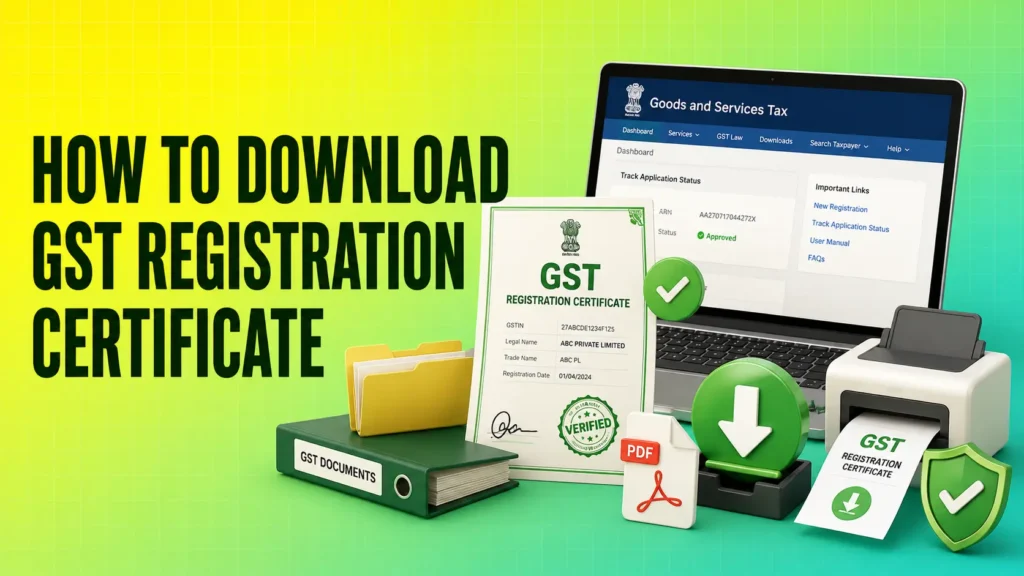
A GST Registration Certificate is one of the most important documents for businesses registered under the Goods and Services Tax (GST) system in India. Whether you run a small business, work as a freelancer, sell products online, or operate a large company, this certificate serves as official proof that your business is registered with the GST department.
Many businesses need this certificate for opening business bank accounts, participating in government tenders, completing vendor registrations, obtaining business loans, and complying with tax regulations. Fortunately, downloading your GST Registration Certificate is a simple online process that takes only a few minutes through the official GST Portal.
However, many taxpayers are unsure where to find the certificate, which login credentials are required, or what to do if the download option isn’t visible. Understanding the correct process can save time and help you avoid unnecessary delays.
In this guide, you’ll learn everything about downloading a GST Registration Certificate, including who can download it, the prerequisites, the complete step-by-step process, and common issues you may encounter along the way.
Step-by-Step Process to Download GST Registration Certificate
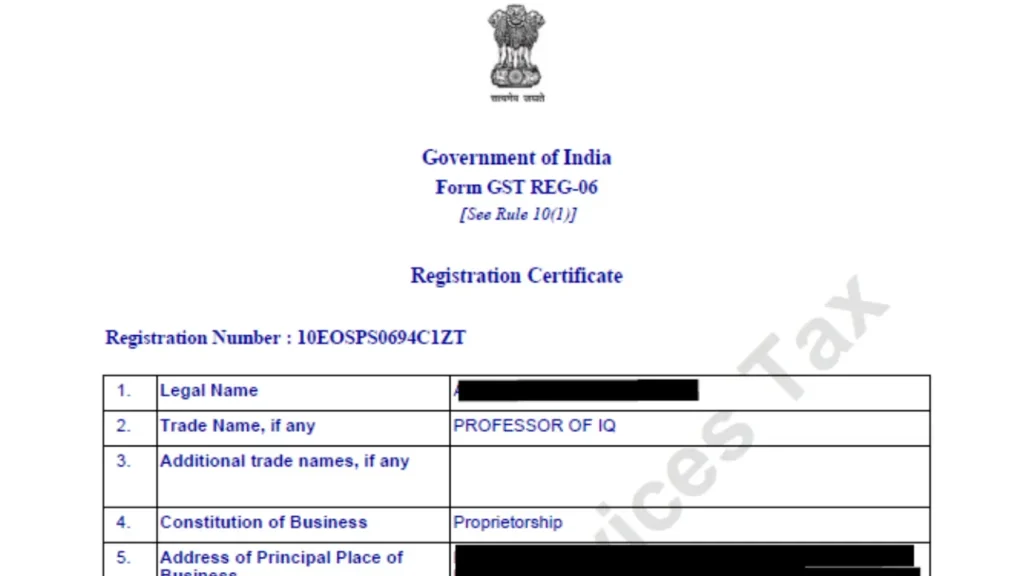
Downloading your GST Registration Certificate is simple if you follow these steps carefully.
Step 1: Visit the Official GST Portal
Open your web browser and visit the official GST Portal.
Click on the Login button available on the homepage.
Step 2: Log in to Your GST Account
Enter your:
- Username
- Password
- CAPTCHA Code
After entering the required details, click Login to access your GST dashboard.
Step 3: Open the Services Menu
After logging in successfully:
Go to:
Services → User Services → View/Download Certificates
This section contains all GST certificates available for your registered business.
Step 4: Select GST Registration Certificate
You’ll find your GST Registration Certificate listed under Form GST REG-06.
Click on the certificate to open it.
Step 5: Download the Certificate
Click the Download option.
The GST Registration Certificate will be downloaded as a PDF file to your device.
You can now print or save it for future business use.
Common Problems While Downloading a GST Certificate
Although the process is straightforward, users may occasionally face issues.
Forgot Username or Password
If you cannot log in, use the Forgot Username or Forgot Password option available on the GST Portal.
Registration Not Approved Yet
The GST Registration Certificate is available only after your GST registration application has been approved.
Incorrect Login Details
Entering an incorrect username, password, or CAPTCHA multiple times may temporarily prevent access to your account.
Always double-check your login credentials.
Technical Issues
Sometimes the GST Portal may be temporarily unavailable due to maintenance or high traffic.
If this happens, wait for some time and try again later.
When Do You Need a GST Registration Certificate?
Many business owners download the certificate only once after registration. However, you may need it frequently for various legal, financial, and business purposes.
Common situations include:
Opening a Business Bank Account
Many banks ask for a GST Registration Certificate while opening a current account.
Applying for Business Loans
Banks and financial institutions may request your GST certificate to verify your business registration during the loan approval process.
Vendor Registration
Large companies often require vendors and suppliers to submit a GST Registration Certificate before starting business transactions.
Government Tenders
Businesses participating in government tenders may need to provide a copy of their GST certificate as part of the eligibility documents.
Business Compliance
Tax professionals, auditors, and government authorities may request your GST Registration Certificate during compliance checks or audits.
Conclusion
A GST Registration Certificate is an essential document for every GST-registered business. It serves as official proof of registration and is required for various banking, taxation, compliance, and business activities.
The good news is that downloading the certificate is a quick and straightforward process. By logging in to the official GST Portal and following the correct steps, you can access your certificate anytime in just a few minutes.
After downloading, always verify the information mentioned on the certificate, store it securely, and download an updated copy whenever your business details change. Keeping your GST Registration Certificate accurate and readily available will help ensure smooth business operations and compliance with GST regulations.