What is a CIBIL Score?
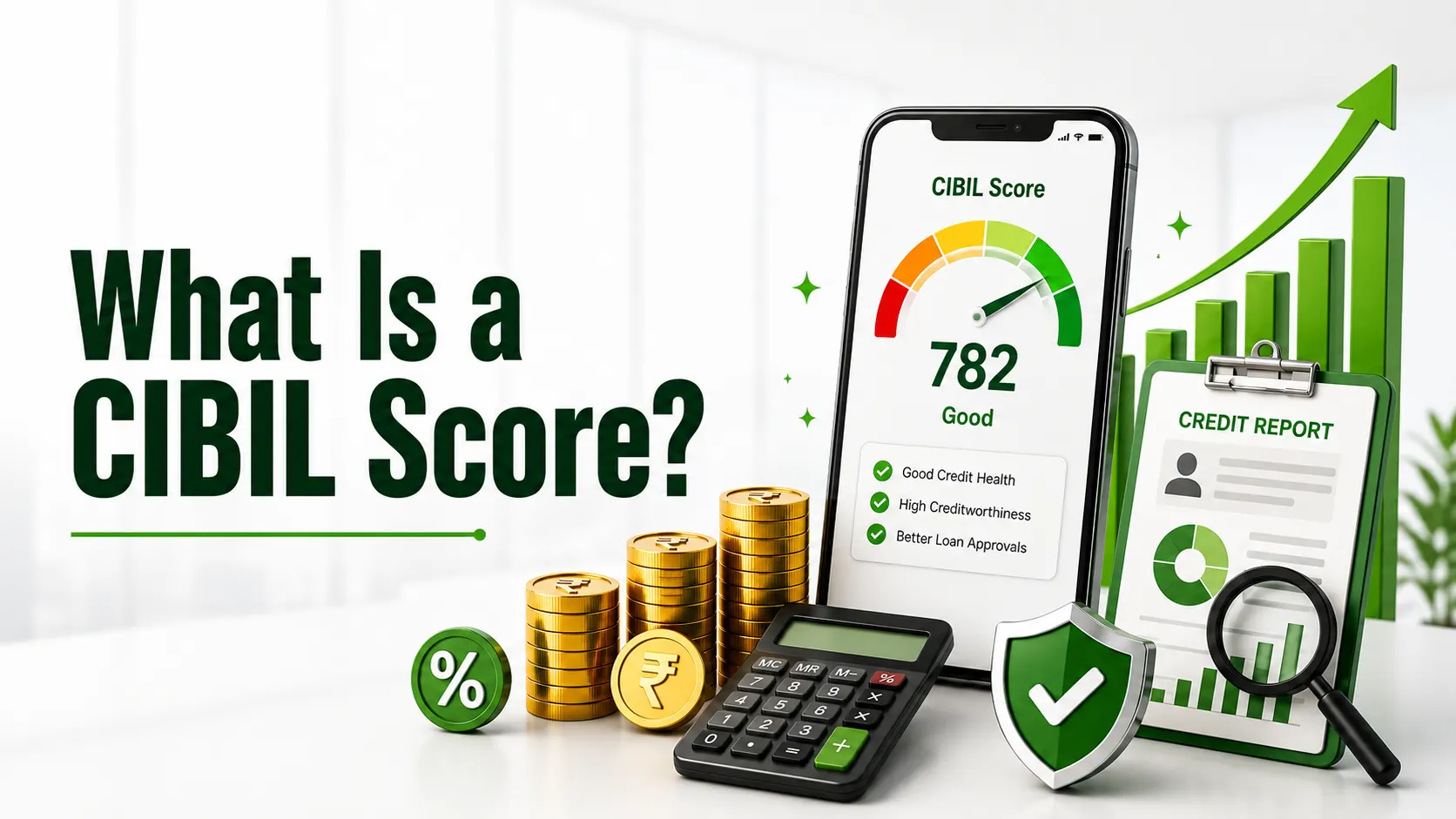
A CIBIL score is a three-digit number ranging from 300 to 900. It is a summary of the credit history and repayment behavior. TransUnion CIBIL calculates this score using information shared by banks, non-banking financial companies (NBFCs), and other financial institutions. The score reflects how responsibly credit was managed in the past.
A higher CIBIL score indicates better creditworthiness. Lenders use this number to decide whether to approve your loan or credit card application and what interest rate to offer. People with strong scores usually receive faster approvals and better terms, while those with low scores may face rejections or higher interest rates.
Your CIBIL score is based on several data points, including your payment history, outstanding balances, credit utilization, length of credit history, and recent credit inquiries. Because it plays such an important role in your financial life, regularly checking it is a smart habit.
Why Should You Check Your CIBIL Score?
Regularly checking your CIBIL score offers several benefits.
- You can quickly spot any errors or incorrect entries in your credit report, such as loans you never took or incorrect payment statuses.
- This helps you understand your current credit health clearly.
- If your score is low, you can take timely steps to improve it before applying for a major loan.
- This allows you to plan better for future financial needs, such as a home loan, personal loan, or credit card.
- Knowing your score in advance reduces the chances of unexpected rejections from lenders.
Many experts recommend checking your CIBIL score at least once every three to six months, especially before applying for any credit product.
Read Also: Loan Without CIBIL Score
How to Check CIBIL Score on PhonePe
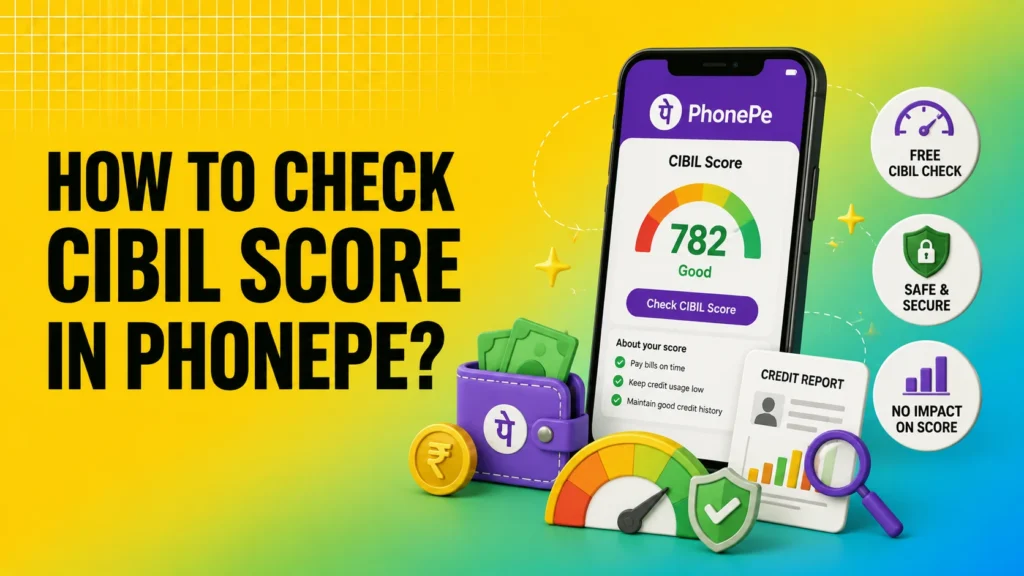
PhonePe offers a free and convenient way to check the CIBIL score directly inside the app. You do not need to download any additional applications or visit a separate website. The complete step-by-step process is as follows:
- Open the PhonePe app on your mobile device.
- At the bottom of the screen, tap the ‘Credit’ option.
- You will be taken to a new screen. Click on ‘Check Now’.
- Select ‘Check Credit Score.’
- Allow PhonePe to access your credit information when prompted.
- Carefully enter your PAN card number, full name, and date of birth.
- PhonePe will fetch and display your CIBIL score linked to your PAN in a few seconds.
The entire process is quick and usually takes less than a minute. Checking your score through PhonePe is treated as a soft inquiry. This means that it does not reduce your CIBIL score. You can check it multiple times without any negative impact.
Other Easy Ways to Check Your CIBIL Score
While learning how to check CIBIL score in PhonePe is useful, it is also helpful to know other reliable methods.
On Google Pay (GPay), Open the Google Pay app, scroll down to the bottom, tap on “Check your CIBIL score for free” accept the terms and conditions, enter the required details such as PAN and date of birth, and view your score.
On the Official CIBIL Website: Visit the official TransUnion CIBIL website → Click on “Get Your Free CIBIL Score” → Create an account using your email and mobile number → Enter personal details and verify with OTP → Access your score and full credit report on the dashboard. You can usually obtain one free report annually.
Through Other Apps Apps like Paytm also allow free credit score checks. Go to the Loans or Credit section and follow the on-screen instructions.
Having multiple options ensures that you can always check your score, even if one method is temporarily unavailable.
Understanding Your CIBIL Score
Once you check your score, it is important to understand what the number means.
| Score Range | Category | What It Means for You |
|---|---|---|
| 750 – 900 | Excellent | High chance of loan and credit card approval at better rates |
| 700 – 749 | Good | Good approval chances with reasonably favourable terms |
| 650 – 699 | Average | Possible higher interest rates or additional conditions |
| Below 650 | Poor | Difficulty in getting loans or credit cards |
A score of 750 or above is generally considered strong by most Indian lenders. If your score is below 700, focusing on improvement is important before applying for large loans.
Factors That Affect Your CIBIL Score
Several key factors influence the CIBIL score:
- Payment History: This is the most important factor. Timely payments of EMIs and credit card bills improve your score, while delayed or missed payments significantly lower it.
- Outstanding or Unpaid Balances: High outstanding amounts or overdue payments negatively affect your score.
- Credit Utilization Ratio: This is the percentage of your available credit limit that you are using. Keeping it below 30% is recommended. High utilization signals a higher risk to lenders.
- Negative Remarks: Settlements, write-offs, or legal actions mentioned in your report can damage your score for a long period.
- Number of Recent Credit Inquiries: Applying for multiple loans or credit cards in a short period creates hard inquiries, which can temporarily lower your score.
Understanding these factors helps you take better control of your credit.
Tips to Improve Your CIBIL Score
Improving your CIBIL score is possible with consistent good habits. Here are some practical tips:
- Always pay your EMIs and credit card bills on or before the due date to avoid penalties. Even one delayed payment can hurt your credit score.
- Keep your credit utilization low. Do not use more than 30% of your available credit limit.
- Regularly check your credit report for errors and raise a dispute with CIBIL if you find incorrect information.
- Avoid applying for multiple loans or credit cards within a short period.
- Maintain a healthy mix of credit, such as a combination of secured and unsecured loans, but only if you can manage them responsibly.
- Do not close old credit cards that have a good payment history, as a longer credit history generally helps improve your score.
Building a strong score takes time, but the benefits of better loan terms make the effort worthwhile.
Read Also: What is Simple Interest
Conclusion
Knowing how to check your CIBIL score on PhonePe makes it easy to monitor your credit health regularly without any extra effort or cost. A good CIBIL score improves your chances of getting loans and credit cards at better interest rates and terms. Make it a habit to check your score from time to time, correct any errors promptly, and follow healthy credit practices, such as timely payments and low credit utilization. This simple step can help you stay financially prepared and confident about the future.