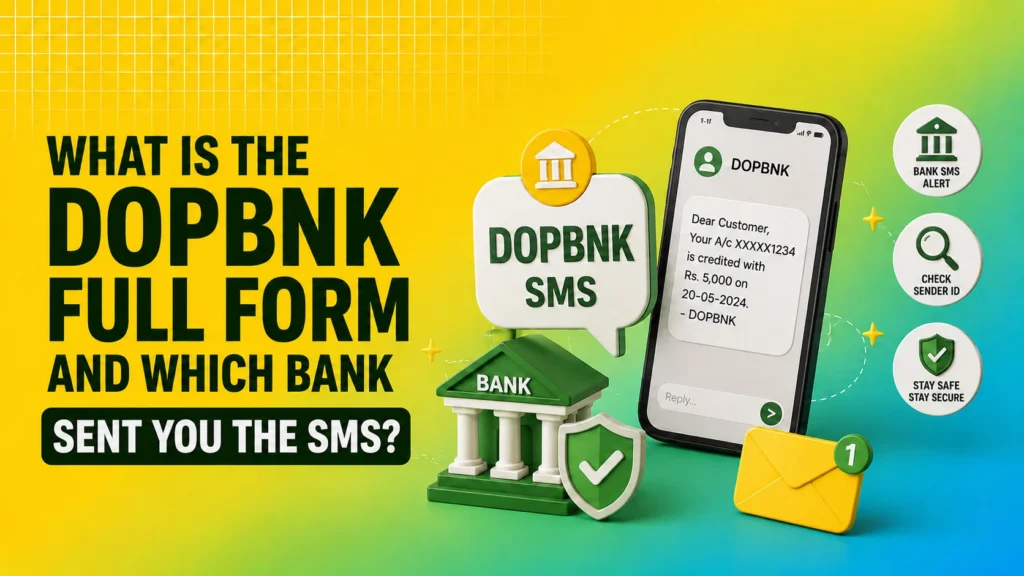
If you have received an SMS from ID-DOPBNK, VD-DOPBNK, IM-DOPBNK, VK-DOPBNK or similar sender IDs, you are not alone. Many people search for the DOPBNK full form and want to know which bank sent the message and whether it is safe to respond.
This guide explains the DOPBNK bank full form, the exact meaning of these SMS alerts, and the difference between related services without the common confusion found on many websites.
Read More: Saving Account vs Current Account
Table of Contents
What is the full Form?
The full form of DOPBNK is Department of Post Bank.
This is not the name of a separate bank. DOPBNK is a short code (sender ID) used by the Department of Posts, Government of India, to send SMS alerts related to its banking services.
These services include:
- Post Office Savings Bank (POSB) accounts and schemes
- Transactions linked to India Post Payments Bank (IPPB)
Whenever a credit, debit, interest credit, or balance update occurs in an eligible account, the system generates an SMS under the DOPBNK sender ID.
Which Bank Sent You the DOPBNK SMS
No private or commercial bank sends DOPBNK messages. The alerts were obtained from the Department of Posts banking network.
Two related but distinct systems use this network.
- The Post Office Savings Bank (POSB) traditional schemes are operated directly by the Department of Posts through its Core Banking System (CBS). These include savings accounts, recurring deposits (RD), time deposits (TD), public provident funds (PPF), Sukanya Samriddhi Yojana (SSY), and senior citizen savings schemes (SCSS).
- India Post Payments Bank (IPPB) A separate payments bank (also under the Department of Posts) that offers digital banking, UPI, doorstep services, and limited savings accounts with a maximum balance limit of ₹2 lakhs.
DOPBNK SMS can be used for activity in either system. The sender ID itself does not indicate that the message is only from the IPPB.
Read More: Best Investment Plan in India
Why Did You Receive a DOPBNK SMS?
Common reasons include:
- Deposit or withdrawal in a Post Office Savings Account
- Monthly RD deposit or maturity update
- Interest credit in PPF, SSY or SCSS
- Fund transfer or bill payment linked to an IPPB account
- Balance alert or transaction confirmation
The message usually contains the following:
- Account number (partially masked)
- Amount credited or debited
- Date and time
- Available balance (in many cases)
Example formats that you may see:
- DOPBNK CR ₹XXXX credited to your account
- DOPBNK DR ₹XXXX debited from your account
Is DOPBNK SMS a Fraud or Scam?
In the majority of cases, no. DOPBNK messages are official alerts generated by the Department of Post banking systems.
However, caution should be exercised in the following situations:
- The SMS asks for OTP, ATM PIN, UPI PIN or full account details
- The SMS contains a suspicious link asking you to click and enter personal information
- You have never opened any Post Office or IPPB account and the messages keep coming repeatedly
If you do not have any related accounts, the most likely reason is that your mobile number is incorrectly linked to someone else’s account. In this case, the messages are still generated by the official system but are intended for another person. You can safely ignore this. The actual account holder must update the correct mobile number at the post office or through IPPB channels.
Key Differences You Should Know
Both systems come under the Department of Posts umbrella, which is why the same sender ID (DOPBNK) is used for the alerts.
Read More: Types of joint account
What Should You Do After Receiving a DOPBNK SMS
- Check whether you hold a Post Office Savings Account, RD, PPF, SSY or an IPPB account.
- Match the amount and date with your most recent transactions.
- If everything matches, no further action is required. The SMS is only an alert message.
- If the transaction appears unfamiliar, visit your home post office or contact IPPB customer care immediately.
- Never share OTP, PIN, or full account details in reply to any SMS.
Conclusion
The DOPBNK full form is Department of Post Bank. It is the official sender ID used by the Department of Posts for SMS alerts related to Post Office Savings Bank schemes and India Post Payments Bank transactions. These messages are genuine in almost all cases and simply notify you of account activity.
Understanding the differences between POSB and IPPB removes most of the confusion. If the SMS matches your transactions, you can treat it as a normal banking alert. If it does not, update the mobile number linked to the account or ignore it if the account does not belong to you.
Stay alert for any message that asks for sensitive information and always verify unusual activity directly with the post office or IPPB channels.
FAQs
What is the full form of DOPBNK?
DOPBNK stands for the Department of Post Bank. This is the SMS sender ID used by the India Post Payments Bank (IPPB) and other India Post banking services to send transaction alerts, OTPs, account notifications, and service updates.
Which bank sends SMS from DOPBNK?
SMS with the sender ID DOPBNK are generally sent by the India Post Payments Bank (IPPB) or the Department of Posts for banking-related services such as account transactions, OTP verification, balance updates, and other official notifications.
Is the DOPBNK SMS genuine?
In most cases, DOPBNK is the official sender ID used by India Post banking services. However, always verify the message and never share your OTP, PIN, password, or banking details if the SMS asks for sensitive information or contains suspicious links.
Can I receive a DOPBNK SMS without an IPPB account?
Sometimes, yes. You may receive a DOPBNK SMS if your mobile number is linked to a postal savings account or if someone mistakenly entered your number. If you are unsure, contact the India Post Payments Bank customer support.
Is DOPBNK related to the India Post Payments Bank (IPPB)?
Yes. The DOPBNK is commonly associated with the India Post Payments Bank (IPPB) and the Department of Posts, which provides banking and financial services across India.