Withdrawing your PF amount online is now much easier than visiting an EPFO office, filling physical forms, and waiting for manual updates. But one small mistake—wrong bank details, Aadhaar mobile mismatch, missing date of exit, or choosing the wrong form—can delay or reject your PF withdrawal claim.
That is why this guide explains the complete PF Withdrawal Online process in a simple way. You will learn how to withdraw PF amount online, which form to choose, what documents are required, how to track your claim, and how to avoid common rejection reasons.
What Is PF Withdrawal Online?

PF Withdrawal Online means applying for your Employees’ Provident Fund withdrawal through the EPFO Member e-Sewa portal or UMANG app without submitting a physical claim form.
Employees can use the online PF withdrawal facility for:
- Full PF withdrawal after leaving a job
- Partial PF withdrawal while still employed
- Pension withdrawal or pension claim
- PF advance for approved needs such as medical treatment, marriage, education, house purchase, or unemployment
To apply online, your UAN should be active and your Aadhaar, mobile number, bank account, and other KYC details should be properly linked.
Quick Summary: PF Withdrawal Online
| Point | Details |
|---|---|
| Main portal | EPFO Member e-Sewa Portal |
| Mobile option | UMANG App |
| Required login | UAN and password |
| OTP required | Aadhaar-linked mobile number |
| Common forms | Form 19, Form 31, Form 10C, Form 10D |
| Best for | Employees, ex-employees, pension members |
| Claim tracking | EPFO portal, UMANG app, claim status page |
| Main risk | Claim rejection due to KYC or bank mismatch |
Who Can Withdraw PF Online?
You can apply for PF Withdrawal Online if you meet the required conditions and your UAN details are updated.
Common situations include:
1. After Leaving a Job
If you have left your job and are not currently employed in an EPF-covered company, you may apply for full or partial withdrawal depending on the rules applicable to your case.
2. After Retirement
Employees can withdraw their PF amount after retirement. Pension benefits may also apply depending on service history and eligibility.
3. While Working
You may be able to apply for partial PF withdrawal while still working, but only for specific approved purposes.
4. For Emergency or Approved Needs
EPFO allows partial withdrawal for certain cases such as medical treatment, marriage, education, house purchase, home loan repayment, or other permitted reasons.
Before Applying: PF Withdrawal Online Checklist
Before you start the online PF withdrawal process, check these details carefully.
| Checklist Item | Why It Matters |
|---|---|
| UAN is activated | Required to login to EPFO portal |
| Aadhaar is linked with UAN | Required for online claim authentication |
| Mobile number is linked with Aadhaar | OTP is sent to Aadhaar-linked mobile |
| Bank account is verified | PF amount is credited to this account |
| PAN is linked | Important for tax/TDS related cases |
| Date of exit is updated | Needed for final PF withdrawal |
| Name and DOB match | Mismatch can cause claim rejection |
| Old PF accounts are transferred/merged | Helps avoid confusion in claim settlement |
If any of these details are wrong, fix them before applying. This can save you from claim rejection or unnecessary delays.
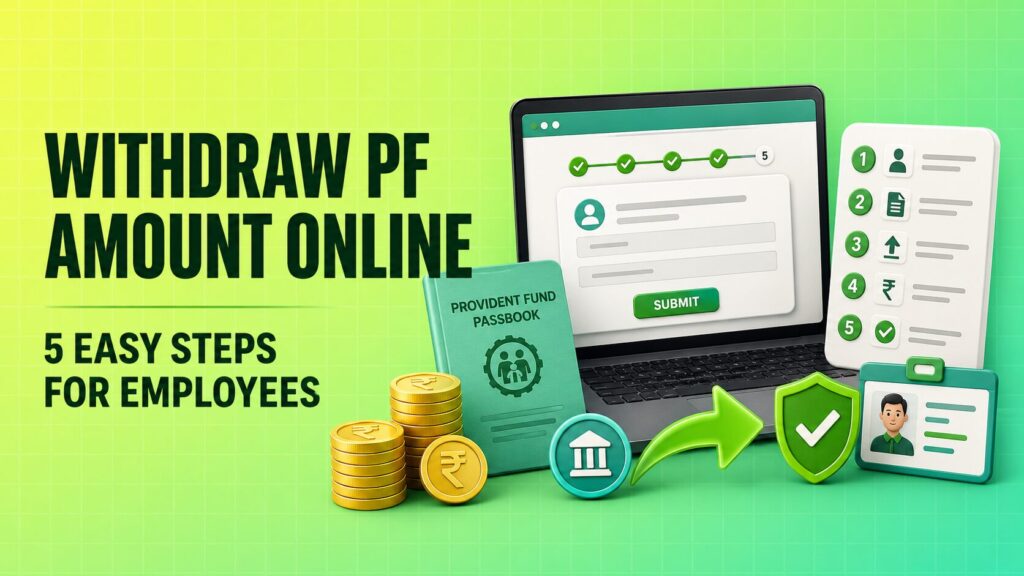
How to Withdraw PF Amount Online in 5 Easy Steps
Follow these simple steps to apply for PF Withdrawal Online.
Step 1: Login to EPFO Member Portal
Go to the EPFO Member e-Sewa portal and login using your UAN, password, and captcha.
After login, check your profile details first. Make sure your name, Aadhaar, PAN, bank account, date of birth, and mobile details are correct.
Do not directly submit the claim without checking KYC details.
Step 2: Check KYC and Service Details
Go to the KYC section and confirm that your Aadhaar, PAN, and bank details are approved.
Also check your service history. If you have left your job, your date of exit should be updated. If the date of exit is missing, the final settlement claim may not work properly.
Important things to verify:
- Aadhaar number
- PAN number
- Bank account number
- IFSC code
- Date of joining
- Date of exit
- Employer details
- Member ID
This step is important because most PF withdrawal problems happen due to incorrect or incomplete KYC.
Step 3: Go to Online Services and Select Claim
After checking your details, go to:
Online Services > Claim
You will see claim options such as Form 31, Form 19, Form 10C, and Form 10D depending on your eligibility and service record.
EPFO may ask you to verify your bank account before moving forward. Enter the required bank details carefully.
Step 4: Choose the Right PF Withdrawal Form
Selecting the right form is very important in the PF Withdrawal Online process.
| Form | Purpose |
|---|---|
| Form 19 | Final PF settlement after leaving job |
| Form 31 | Partial PF withdrawal or PF advance |
| Form 10C | Pension withdrawal benefit or scheme certificate |
| Form 10D | Monthly pension claim |
Which Form Should You Choose?
Choose Form 19 if you want to withdraw your full PF amount after leaving your job.
Choose Form 31 if you want a partial PF advance while working or for an approved reason.
Choose Form 10C if you want to withdraw pension contribution or apply for a scheme certificate, depending on your eligibility.
Choose Form 10D if you are eligible for monthly pension.
For example, if you left your job and want to withdraw both PF and pension amount, you may need to apply for Form 19 and Form 10C separately.
Step 5: Submit Claim Using Aadhaar OTP
After selecting the form, fill in the required details such as claim reason, address, and bank confirmation.
Then verify the claim using Aadhaar OTP. The OTP is sent to your Aadhaar-linked mobile number.
After OTP verification, submit the claim and save the reference number. You can use this number to track your PF withdrawal status later.
PF Withdrawal Online Through UMANG App
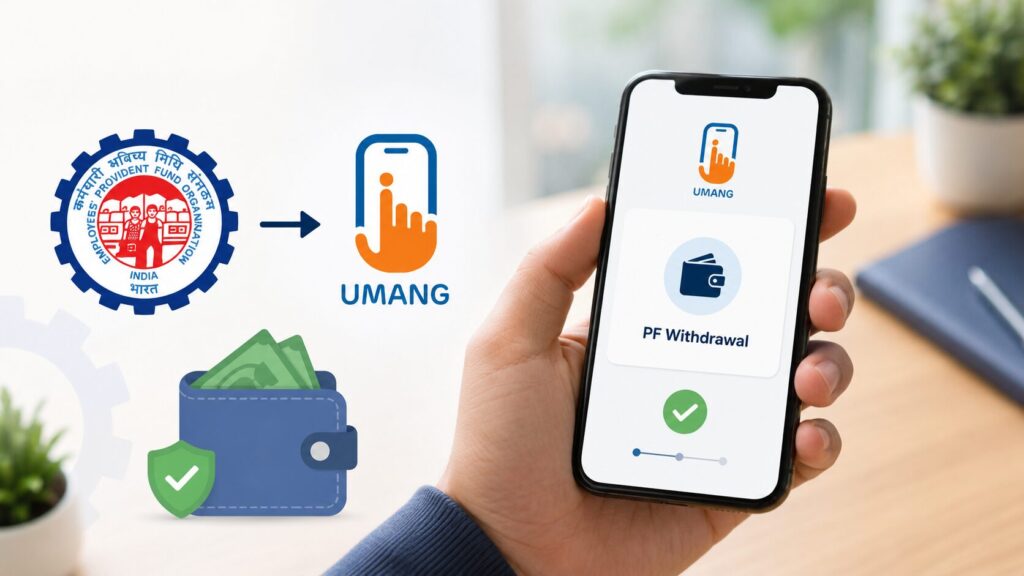
You can also apply for PF withdrawal through the UMANG app.
Basic steps:
- Open the UMANG app.
- Search for EPFO services.
- Select employee-centric services.
- Choose raise claim.
- Enter UAN details.
- Verify with OTP.
- Select the claim type.
- Submit the request.
The UMANG app is useful if you want to apply from your mobile phone. However, your Aadhaar, UAN, and KYC details should still be properly linked.
Full PF Withdrawal vs Partial PF Withdrawal
PF withdrawal is mainly of two types: full withdrawal and partial withdrawal.
Full PF Withdrawal
Full PF withdrawal usually applies when:
- You retire
- You leave your job and meet the required unemployment condition
- You are eligible for final settlement
For full withdrawal, Form 19 is generally used.
Partial PF Withdrawal
Partial withdrawal means taking an advance from your PF balance for a specific purpose.
Common reasons include:
| Reason | Purpose |
|---|---|
| Medical | Treatment for self or family |
| Marriage | Marriage expenses |
| Education | Higher education expenses |
| House purchase | Buying or constructing a house |
| Home loan repayment | Repaying housing loan |
| Unemployment | Financial support after job loss |
| Pre-retirement | Withdrawal before retirement age, subject to rules |
For partial withdrawal, Form 31 is generally used.
Documents Required for PF Withdrawal Online
In most online cases, you do not need to upload many physical documents if your KYC is already verified. Still, you should keep these details ready:
- UAN
- Aadhaar number
- Aadhaar-linked mobile number
- PAN card
- Bank account number
- IFSC code
- Cancelled cheque or passbook copy, if required
- Address details
- Supporting documents for some partial withdrawal cases, if asked
Make sure the bank account is active. If your account is closed, frozen, or incorrect, the PF amount may not be credited.
Why PF Withdrawal Claim Gets Rejected
Many employees submit the PF withdrawal claim online but later see “claim rejected” status. The reason is usually not the portal—it is often a data mismatch.
Common reasons for rejection include:
- Name mismatch between Aadhaar and UAN
- Wrong bank account number
- Incorrect IFSC code
- Aadhaar not linked with UAN
- Mobile number not linked with Aadhaar
- PAN not linked or incorrect
- Date of exit not updated
- Wrong form selected
- Bank account not approved in KYC
- Old PF accounts not transferred
- Employer details mismatch
To avoid rejection, check all details before submitting your PF withdrawal online claim.
How to Track PF Withdrawal Claim Status
After submitting your claim, you can track the status online.https://moneymoksh.com/insurance-claim-process-file-track-avoid-rejection/
You can check PF claim status through:
- EPFO Member Portal
- UMANG App
- EPFO claim status page
- UAN-based services
You may see statuses such as:
- Under process
- Claim settled
- Claim rejected
- Payment under process
If your claim is rejected, check the rejection reason and correct the issue before applying again.
PF Withdrawal Tax Rules
PF withdrawal may be taxable in some cases.
Generally, if you withdraw PF after completing five years of continuous service, it is usually tax-free. But if you withdraw before completing five years, tax or TDS may apply depending on the case.
PAN linking is also important. If PAN is not linked, TDS-related issues may increase.
Because tax rules can change, employees should check the latest EPFO and income tax updates before withdrawing a large PF amount.
Common PF Withdrawal Mistakes to Avoid
Avoid these mistakes while applying for PF Withdrawal Online:
- Applying before KYC approval
- Using a closed bank account
- Selecting the wrong claim form
- Ignoring Aadhaar mobile OTP issue
- Not checking date of exit
- Not linking PAN
- Not transferring old PF balance
- Entering wrong address
- Submitting multiple claims without checking status
A clean and updated UAN profile increases the chances of faster claim settlement.
Final Thoughts
PF Withdrawal Online is a simple process if your UAN, Aadhaar, PAN, bank account, and mobile number are properly linked. The main thing is not just submitting the claim, but submitting it with correct details.
Before applying, check your KYC, choose the right form, verify your bank details, and save the claim reference number. This will help you withdraw your PF amount online with fewer errors and fewer delays.