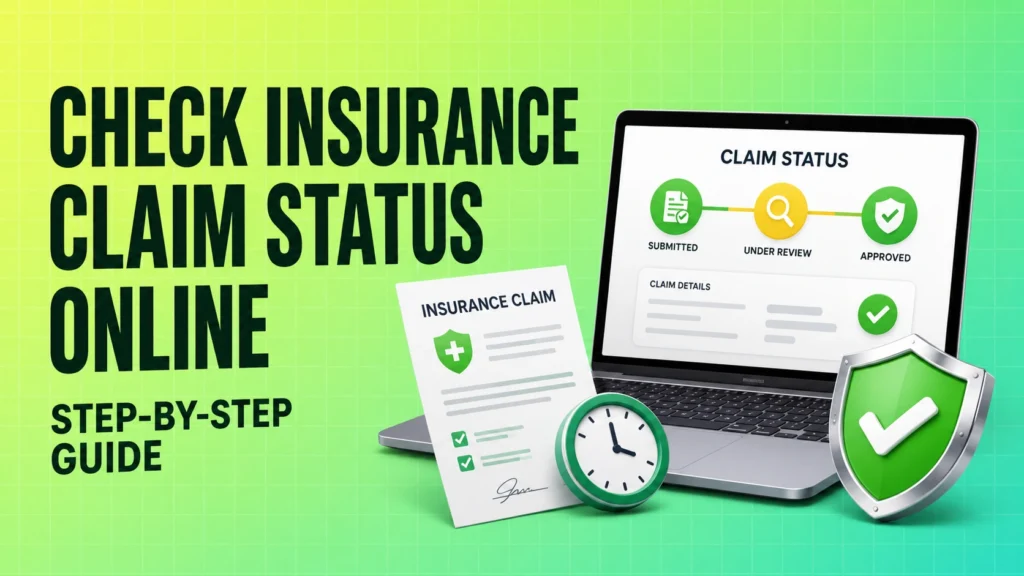
Waiting for an insurance claim update can be stressful, especially when the amount is meant to help with a medical bill, vehicle repair, or family financial need. The good news is that checking your claim status online is usually a simple process offered by most insurers in India. It helps you track claim status without visiting a branch, and it gives you a clear idea of whether your claim is pending, under review, approved, or needs more documents.
That said, the exact steps can vary slightly from one insurer to another. Life, health, and motor insurers may use different portals, apps, or claim reference formats. In this guide, you will learn the standard way to check health insurance claim status, health insurance tpa claim status, and other insurance claim updates online, along with what the common status messages mean and what to do if the tracking page does not work.
Prerequisites for Checking Your Claim Status
Before you try to check your claim online, keep these details ready. Having them handy makes the process faster and reduces login or tracking errors.
| Information you may need | Why it is required | Where to find it |
|---|---|---|
| Policy number | Identifies your insurance policy in the insurer’s system | Policy document, premium receipt, insurer app, or email/SMS |
| Claim reference number / Claim ID / INT number | Tracks the specific claim request you raised | Claim acknowledgement email, SMS, WhatsApp update, or hospital/agent record |
| Registered mobile number | Used for OTP verification and claim lookup | The mobile number linked to your policy |
| Registered email ID | Used for status updates and login verification | The email linked to your policy or claim |
| Date of birth or policyholder details | Some insurers use this for identity matching | Policy document or KYC records |
What to check before you begin:
- Use the same mobile number and email ID that are registered with the insurer.
- Keep your claim papers nearby, especially if documents were uploaded earlier.
- For health insurance claims, keep the hospital claim number or TPA reference if the insurer uses a third-party administrator.
- If you are tracking a motor claim, keep the survey report or garage reference if one was issued.
For the smoothest experience, use only the insurer’s official portal or official mobile app. Different insurance companies have different tracking systems, so do not assume one insurer’s login or claim page will work for another.
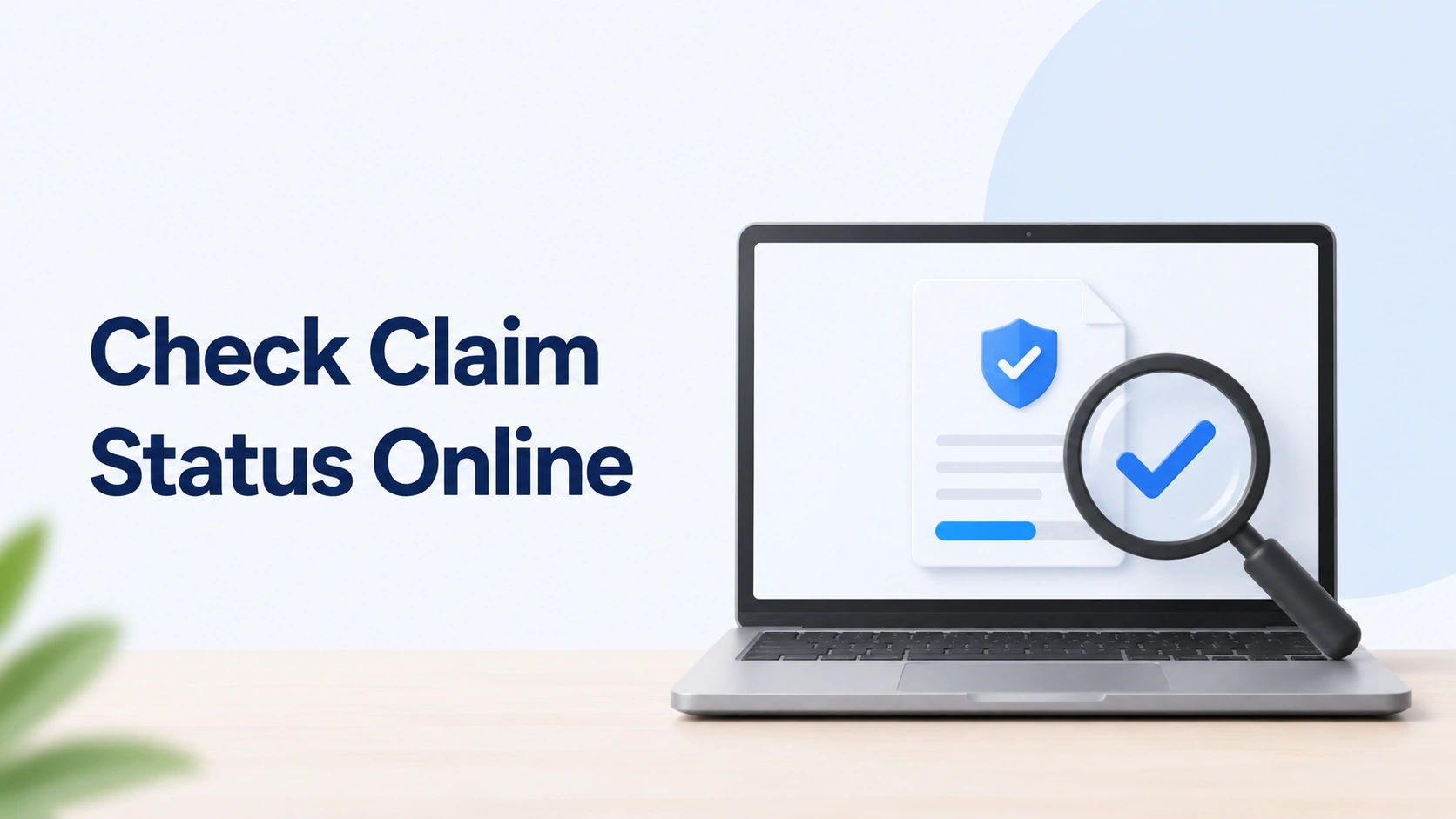
Step-by-Step Guide to Check Claim Status Online
The basic process is similar across most Indian insurers, whether it is a life insurance claim, health insurance claim, or motor insurance claim. The main difference is where the insurer keeps the claim tracking section and which reference number it asks for.
Using the Official Insurer Website
Step 1: Visit the official insurer’s website.
Type the insurer’s web address directly into your browser or open it from a saved bookmark. Avoid searching randomly and clicking on sponsored links unless you are sure they belong to the insurer.
Step 2: Find the claims or track claim section.
Look for menu items such as “Claims,” “Track Claim,” “Claim Status,” “Customer Service,” or “Support.” Some insurers place this under the login area, while others keep it on the home page.
Step 3: Enter the required details.
Most portals will ask for one or more of the following:
- Policy number
- Claim ID or reference number
- Mobile number
- Email ID
- Date of birth or captcha code
Step 4: Verify with OTP if prompted.
Many insurers send a one-time password to your registered mobile number or email for security. Enter the OTP carefully and within the time limit.
Step 5: View the status.
Once verified, the portal should display your current claim status. Some portals show a simple update such as “Under Process,” while others provide a full timeline of document checks, query updates, and payment processing.
If you are checking health insurance claim status, the portal may also show whether the claim went through the insurer directly or through a TPA. In many cases, health insurance tpa claim status can be tracked through the TPA’s own claim page if the insurer uses one.
Using the Official Mobile App
For many modern insurers, the mobile app is the quickest way to track claim status online. Apps are usually more convenient because they save your policy details and allow repeat logins through OTP, MPIN, or biometric verification.
Here is how the app route usually works:
- Download only the insurer’s official app from Google Play Store or Apple App Store.
- Log in using your registered mobile number, policy number, or customer ID.
- Verify the login through OTP, MPIN, or biometric security if available.
- Go to the claims section and open the claim tracking page.
- Review the latest status and any document requests.
Many insurers also send claim alerts through app notifications, which can be helpful if your claim moves from “Pending” to “Query Raised” or “Approved.”
Understanding Your Claim Status Terms
Claim status messages are often short, and that is where many people get confused. A status like “In-Progress” may sound unclear, but it usually means the insurer is still checking your documents or internal records. The table below explains the most common terms used in the Indian insurance market.
| Status | What It Means | Recommended Action |
|---|---|---|
| Pending / Under Process | Documentation is being verified or the claim is still moving through internal checks | Wait for the TAT (turnaround time) mentioned by the insurer |
| Query Raised | The insurer needs more documents, clarification, or missing details | Log in and upload the requested documents immediately |
| Approved / Settled | The claim has been cleared and payment is being processed or completed | Check your registered bank account and email/SMS for settlement details |
| Rejected | The claim does not meet the policy terms or required documents are missing | Read the rejection letter carefully and contact the grievance officer if needed |
Other terms you may see:
- In-Progress: The claim is moving through review, but no final decision is shown yet.
- On Hold: The insurer may be waiting for clarification, a document, or an external report.
- Submitted: Your claim request has been received, but processing has not started fully.
- Repudiated: A formal term used by some insurers for rejection.
Do not panic if your status does not change every day. Some claims take time because the insurer may need hospital papers, garage estimates, discharge summaries, death certificates, or verification from an appointed agency. The waiting time depends on the type of policy and the documents involved.
Troubleshooting Common Tracking Issues
Sometimes the portal does not work smoothly, or the claim status does not move for days. That does not always mean there is a problem with your claim. Often, it is a system issue, a missing detail, or a delay in document verification. Here is what to do in common situations.
If the website is down or not loading
- Try again after some time, especially if the insurer is doing maintenance.
- Check if the insurer has a mobile app or WhatsApp support option.
- Clear browser cache or try a different browser.
- Make sure you are on the insurer’s official site and not a fake page.
If the claim number is showing as invalid
- Check whether you entered the correct policy number, claim ID, or INT number.
- Look for spaces, extra characters, or typing mistakes.
- Use the same mobile number or email ID that was registered at the time of claim submission.
- If the claim was recently filed, the record may still be updating in the system.
If the status has not changed in weeks
If your claim status has been stuck on the same message for a long time, do not keep waiting silently. First, check whether the insurer has raised a document query that you missed in SMS, email, or app alerts. If everything looks complete, contact the official customer care helpline and ask for the current claim update.
For a health claim, ask whether the file is with the insurer or with the TPA. For a motor claim, ask whether the survey report, garage estimate, or repair approval is still pending. For a life claim, ask whether any nominee or death claim documents are still awaited.
If the delay becomes unreasonable or you are not getting a clear answer, you can escalate the matter through the insurer’s grievance redressal process. If needed, refer to the latest IRDAI-guided grievance process on the insurer’s official communication or website. Keep copies of emails, complaint numbers, and acknowledgment messages as proof.
If you are unable to log in
- Use the “Forgot Password” or “OTP login” option on the official portal.
- Confirm that your registered mobile number is active and able to receive OTPs.
- Update your email or phone number only through the insurer’s verified process.
- If login still fails, call customer care or visit the branch office if available.
As a practical rule, if the claim has not moved after the usual TAT mentioned by the insurer, ask for a written update rather than waiting endlessly. Different claim types have different timelines, so a motor claim may settle faster than a complex health claim involving hospital documents or additional verification.
 Safety First: Avoiding Insurance Fraud
 Safety First: Avoiding Insurance Fraud
Insurance claim tracking involves sensitive personal and policy information, so safety matters as much as convenience. Fraudsters often create fake portals, fake customer care numbers, or copied apps to steal policy details, OTPs, and bank information. Never share your policy document, claim ID, PAN, Aadhaar, bank account details, OTP, or passwords on unofficial websites or with unknown callers.
Use only the official insurer domain and verified mobile app. If an insurer has a portal ending in .com or .in, that alone does not make it genuine, so always cross-check the name, spelling, and app publisher. A copied website may look almost identical to the real one. If you are unsure, go to the insurer’s official website by typing the address yourself or by opening the app from the official app store listing.
Also avoid third-party comparison sites, random claim-tracking tools, and unofficial apps that ask you to upload policy documents or sign in using your insurance details. These services may not be secure, and your data can be misused. If you need support, use the insurer’s verified customer care number, official email, branch office, or registered grievance channel.
When in doubt, remember this simple rule: if a site or app asks for more information than you would comfortably share on the insurer’s own platform, stop and verify it first.
FAQs
Can I check the claim status via WhatsApp?
Yes, many insurers now offer WhatsApp-based support or claim tracking. Usually, you need to send a message from your registered mobile number and follow the automated prompts. Always use the official WhatsApp number shared by the insurer on its website or policy documents.
What should I do if my claim status shows “Rejected”?
First, read the rejection reason in the official letter or email. Then compare it with your policy document, exclusions, waiting period, and claim documents. If the reason is unclear, contact the insurer’s grievance team for an explanation and the next steps.
How long does it usually take to get a status update?
It depends on the insurer and claim type. Motor claims are often faster, while health claims and other complex cases may take longer because more documents or checks are involved. Always look at the TAT shared by the insurer for your specific claim.
Do I need my login password to check the status?
Not always. Many insurers allow claim tracking with a Claim ID, policy number, date of birth, and registered mobile number or OTP. However, some portals may ask you to log in fully for detailed updates or document uploads.
What if the portal is not working?
If the portal is down or not responding, try the official mobile app, WhatsApp support, or a different browser. If the issue continues, call the insurer’s customer care toll-free number or contact the branch office using the details listed on the official website.