NEFT is one of the most used bank transfer methods in India.
People use it for rent, EMI, tuition fees, business payments, credit card bills, vendor payments, and normal bank-to-bank transfers.
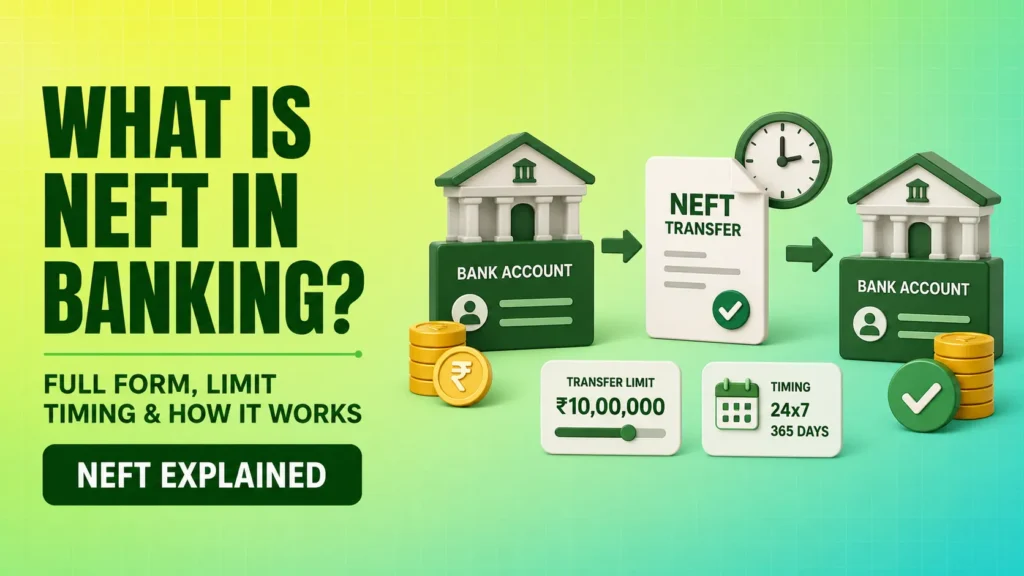
Quick answer: NEFT stands for National Electronic Funds Transfer. It is a nationwide payment system owned and operated by the Reserve Bank of India. It transfers money from one bank account to another through half-hourly batches and is available 24×7 throughout the year.
What is NEFT in banking?
NEFT is a bank transfer system that lets you send money from one bank account to another.
You can use NEFT through mobile banking, net banking, or a bank branch. The sender needs the receiver’s bank account number and IFSC code.
NEFT is useful for small, medium, and large transfers. RBI does not set any minimum or maximum amount limit for NEFT, but banks can set their own limits based on their risk policy.
Example: If you want to send ₹25,000 from your HDFC Bank account to your friend’s SBI account, you can use NEFT by entering the account number, IFSC code, name, and amount.
NEFT full form
The full form of NEFT is National Electronic Funds Transfer.
| Word | Meaning |
|---|---|
| National | Works across India |
| Electronic | Money moves digitally |
| Funds Transfer | Money is transferred from one bank account to another |
NEFT is not limited to one bank. It works between NEFT-enabled bank branches across India.
How does NEFT work?
NEFT works through a batch-based system.
This means transactions are collected and processed in batches at fixed intervals. RBI says NEFT operates in half-hourly batches throughout the day.
- You log in to mobile banking or net banking.
- You add the beneficiary’s name, bank name, account number, account type, and IFSC code.
- After beneficiary activation, you select NEFT as the transfer method.
- Your bank debits money from your account.
- Your bank sends the payment message to its NEFT service centre.
- The message goes to RBI’s NEFT Processing Centre.
- RBI sorts transactions bank-wise.
- The beneficiary bank receives the message and credits the receiver’s account.
NEFT timings in India
NEFT is available 24x7x365.
You can use NEFT on Sundays, bank holidays, public holidays, and after normal banking hours. RBI made NEFT available round the clock from December 16, 2019, and the system runs in 48 half-hourly batches every day.
Online NEFT works all day through mobile banking and net banking.
Branch NEFT depends on bank working hours. If you visit a branch, you can submit the NEFT request only when the branch is open.
NEFT transfer time
NEFT is not always instant like UPI or IMPS.
RBI says a beneficiary’s account should be credited within 2 hours from the batch settlement time. If the money cannot be credited, the destination bank has to return the transaction to the originating bank within 2 hours of the batch completion.
In many cases, NEFT credit happens faster. Still, it is better to keep some time margin if the payment is urgent.
For urgent transfers, compare NEFT with IMPS or RTGS before sending money.
NEFT limit
RBI does not set a fixed upper limit for NEFT transfers.
Banks can set their own limits for:
- per transaction
- per day
- newly added beneficiary
- mobile banking
- net banking
- branch transfer
RBI also allows cash-based NEFT transfer from a bank branch for people who do not have a bank account, but such cash remittances are restricted to ₹50,000 per transaction.
Before sending a large amount, check your bank app or net banking limit.
NEFT charges
Online NEFT from a savings bank account is generally free.
RBI says banks should not charge savings bank account customers for online NEFT transfers from January 1, 2020. Inward NEFT transactions are also free for the receiver.
For other outward NEFT transactions, RBI has capped maximum charges.
| NEFT amount | Maximum charge allowed by RBI |
|---|---|
| Up to ₹10,000 | ₹2.50 + GST |
| Above ₹10,000 to ₹1 lakh | ₹5 + GST |
| Above ₹1 lakh to ₹2 lakh | ₹15 + GST |
| Above ₹2 lakh | ₹25 + GST |
These are maximum caps for applicable transactions. Your bank may charge less or nothing, depending on account type and transfer channel.
Details required for NEFT transfer
To send money through NEFT, you usually need:
- beneficiary name
- beneficiary bank name
- beneficiary branch name
- account type
- account number
- IFSC code
- transfer amount
- remarks, optional
The most sensitive details are account number and IFSC code. Recheck them before confirming payment.
What is IFSC in NEFT?
IFSC stands for Indian Financial System Code.
It is an 11-character code used to identify a bank branch in electronic payment systems like NEFT. The first 4 characters represent the bank, the 5th character is zero, and the last 6 characters represent the branch.
Example format: SBIN0001234
Always use the correct IFSC. Branch mergers or bank changes can update IFSC details, so check the latest IFSC from your bank app, cheque leaf, passbook, or official bank website.
How to do NEFT online
You can do NEFT through mobile banking or net banking.
Step 1: Log in to your bank app
Open your mobile banking app or net banking account.
Use only the official app or official bank website.
Step 2: Add beneficiary
Go to fund transfer and add beneficiary.
Enter:
- account holder name
- account number
- IFSC code
- bank name
- account type
Some banks take time to activate a new beneficiary. Some allow small transfers instantly and higher transfers after a cooling period.
Step 3: Select NEFT
Choose NEFT as the transfer mode.
Enter the amount and remarks if needed.
Step 4: Confirm details
Check account number, IFSC, and amount carefully.
Once the money is sent to the wrong account number, recovery can be difficult.
Step 5: Complete OTP verification
Enter OTP or banking PIN.
After success, save the transaction reference number or UTR.
How to do NEFT offline from bank branch
You can also do NEFT from a bank branch.
- Visit your bank branch.
- Ask for the NEFT form.
- Fill your account details.
- Fill beneficiary name, account number, bank name, branch, and IFSC.
- Enter the transfer amount.
- Submit the form.
- Authorise debit from your account.
- Collect the acknowledgement slip.
Branch NEFT may have charges depending on your bank and account type.
Keep the acknowledgement slip until the money is credited.
NEFT vs RTGS vs IMPS
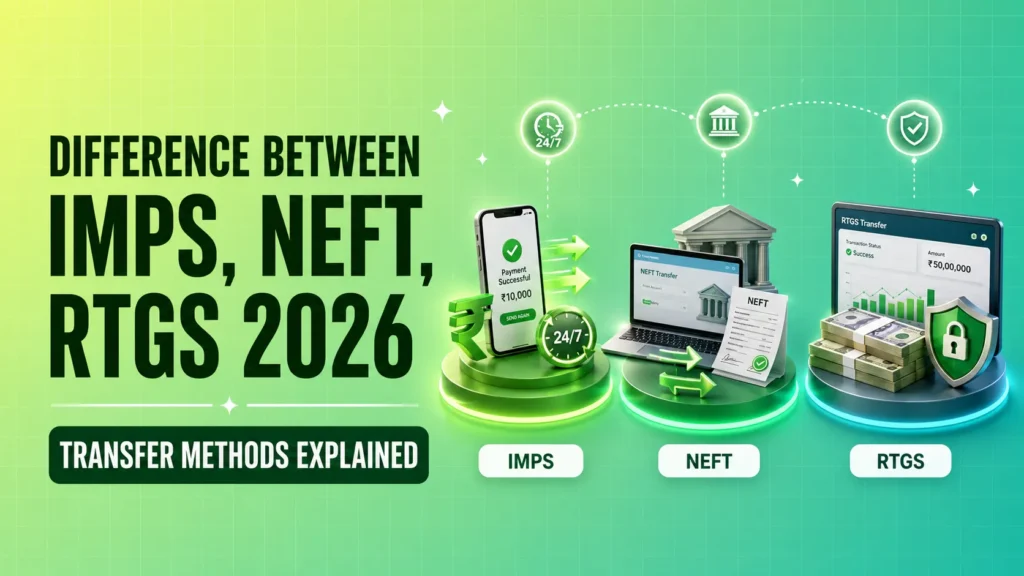
NEFT, RTGS, and IMPS are bank transfer methods. The right choice depends on amount, urgency, and bank limit.
| Point | NEFT | RTGS | IMPS |
|---|---|---|---|
| Full form | National Electronic Funds Transfer | Real Time Gross Settlement | Immediate Payment Service |
| Processing | Batch-based | Real-time | Instant |
| Availability | 24×7 | 24×7 | 24×7 |
| Best for | Routine bank transfers | High-value urgent transfers | Quick small or medium transfers |
| RBI amount limit | No RBI upper limit | No RBI upper limit | Bank or NPCI limit may apply |
| Speed | Usually within batch settlement timeline | Usually faster | Usually instant |
When should you use NEFT?
NEFT is useful when the payment is safe, traceable, and bank-to-bank.
You can use NEFT for:
- rent payment
- tuition fees
- EMI payment
- credit card bill payment
- vendor payment
- family transfer
- salary transfer
- business transfer
- transfer above UPI comfort level
Benefits of NEFT
24×7 availability
NEFT works throughout the year.
You can send money even on Sunday or a public holiday through online banking.
Wide bank coverage
NEFT works across a large network of bank branches in India.
This makes it useful when sender and receiver use different banks.
No online charge for savings account users
Savings bank account customers are not charged for online NEFT transfers.
This makes NEFT useful for regular personal transfers.
Transaction confirmation
The sender usually gets SMS or email confirmation after credit to the beneficiary account.
Limitations of NEFT
NEFT is useful, but it has a few limitations.
- It is batch-based.
- It may take time compared with IMPS.
- Bank transfer limits can apply.
- New beneficiary activation may take time.
- Wrong account number can create problems.
- Branch transfer depends on bank working hours.
NEFT credit is released based on the account number provided by the sender. The sender is responsible for entering the correct account number.
What happens if NEFT fails?
If NEFT fails, the money should come back to the sender’s account.
If your money is debited but not credited:
- Check transaction status in your bank app.
- Note the UTR number.
- Check SMS and email confirmation.
- Contact your bank customer care.
- Raise a complaint with transaction details.
- Escalate if the issue is not resolved.
If the transaction is delayed beyond the allowed time, the bank may have to pay compensation as per RBI rules.
What if you enter wrong NEFT details?
This is one of the biggest NEFT mistakes.
NEFT credit is given based on the account number entered by the sender. So, the sender should check account details carefully before confirming the transaction.
If you send money to a wrong account:
- contact your bank immediately
- share UTR number
- share date, amount, and beneficiary details
- request the bank to contact the receiver’s bank
- keep written proof of complaint
Recovery may need cooperation from the wrong receiver. Banks can help with process, but they cannot always reverse money instantly without proper checks.
NEFT safety tips
Use NEFT carefully, especially for large payments.
- Recheck account number twice.
- Verify IFSC from official source.
- Add beneficiary only through official bank app or website.
- Avoid public Wi-Fi during banking.
- Save UTR number.
- Keep SMS and email confirmation.
- Do a small test transfer before sending a large amount.
- Never share OTP, PIN, card number, CVV, or net banking password.
Common mistakes in NEFT transfer
Entering wrong account number
A single wrong digit can send money to the wrong account.
Always copy the account number from a trusted source.
Using old IFSC code
Bank branch mergers or bank changes can affect IFSC codes.
Check the latest IFSC before sending money.
Expecting instant transfer every time
NEFT is near-real-time, but it is still batch-based.
Use IMPS or RTGS if timing is urgent.
Not checking bank limit
Your bank may set daily or per-transaction limits.
Check your limit before making a large payment.
Not saving UTR number
UTR is needed for tracking and complaints.
Save it until the receiver confirms credit.
Sending money before beneficiary activation
Some banks activate new beneficiaries after a waiting period.
Plan large transfers early.
What is UTR in NEFT?
UTR means Unique Transaction Reference.
It is a reference number for tracking a NEFT transaction. If the receiver says money has not arrived, you can use the UTR to ask your bank for status.
Can NEFT be used without a bank account?
Yes, but only through branch cash remittance.
A person who does not have a bank account can send money through NEFT by depositing cash at an NEFT-enabled bank branch. The limit for such cash remittance is ₹50,000 per transaction.
The receiver must have a bank account with an NEFT member bank.
Can NEFT be used for NRE and NRO accounts?
Yes, NEFT can be used for NRE and NRO accounts within India, subject to FEMA and wire transfer guidelines.
NRIs should check their bank’s process before sending large transfers.
Conclusion
NEFT is a safe and widely used bank transfer method in India.
It is available 24×7 online, works across NEFT-enabled banks, and has no RBI-set upper transfer limit. Savings bank customers do not pay charges for online NEFT transfers.
Use NEFT for regular bank transfers, EMI payments, fees, rent, and business payments. Check the account number, IFSC, bank limit, charges, and UTR before and after sending money.
Disclaimer: This article is for educational purposes only. Please check your bank’s latest NEFT rules, limits, charges, and transfer process before making any payment.
FAQs
What is NEFT?
NEFT stands for National Electronic Funds Transfer. It is an RBI-operated bank transfer system that lets users send money from one bank account to another through half-hourly batches.
What is the full form of NEFT?
The full form of NEFT is National Electronic Funds Transfer.
Is NEFT available 24×7?
Yes. NEFT is available 24×7 throughout the year, including Sundays and holidays.
What is the NEFT limit per day?
RBI does not set a fixed NEFT amount limit. Banks can set their own transaction and daily limits. Cash-based NEFT from branch is limited to ₹50,000 per transaction.
Is NEFT free?
Online NEFT is free for savings bank account customers. Inward NEFT is also free for the receiver. Branch NEFT or business account NEFT may have charges depending on bank policy.
How much time does NEFT take?
NEFT usually gets credited within the settlement timeline. RBI says beneficiary credit should happen within 2 hours from batch settlement.
Can NEFT be done on Sunday?
Yes. Online NEFT can be done on Sunday, public holidays, and bank holidays because the system is available 24x7x365.
What is the difference between NEFT and IMPS?
NEFT is batch-based, while IMPS is generally instant. NEFT is good for routine bank transfers. IMPS is better when money needs to reach quickly.
What is the difference between NEFT and RTGS?
NEFT processes transactions in batches. RTGS processes transactions continuously on a transaction-by-transaction basis. RTGS is usually used for high-value urgent transfers.
Can I cancel an NEFT transaction?
Once the NEFT instruction is processed, cancellation may not be possible through the app. Contact your bank immediately if you entered wrong details or sent money by mistake.