Table of Contents
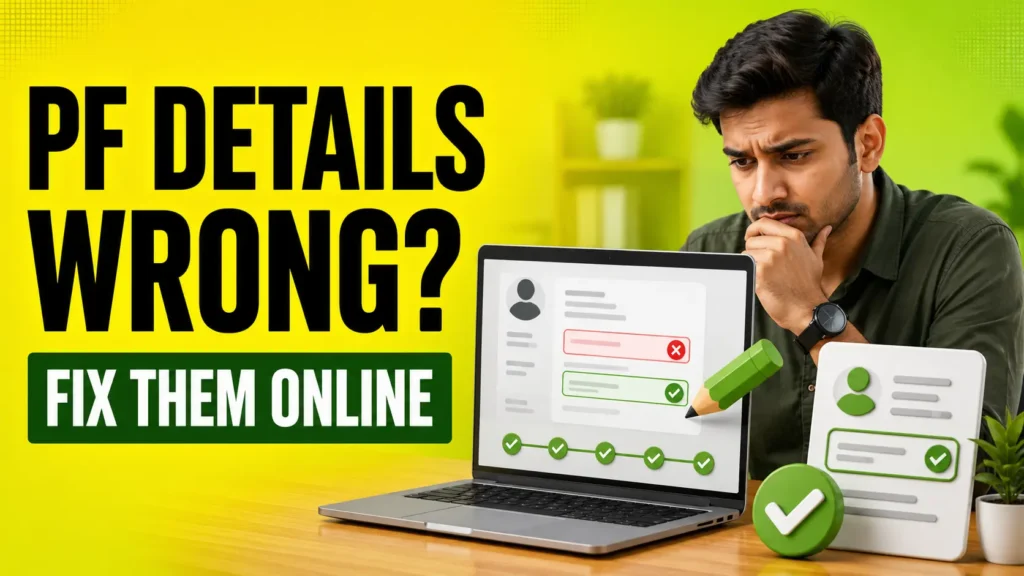
Is your name, date of birth or gender incorrect in your PF account? You may not face a problem immediately, but such errors can create difficulties during PF withdrawal, claim settlement or account transfer.
EPFO has shared an official update explaining how members can request corrections in their EPF records through the Joint Declaration facility. The process involves five simple steps and can be started through the EPFO Member Portal.
If any detail in your EPF account is incorrect, here is how you can request an online correction.
Incorrect details in your EPF records? Get them corrected easily in 5 simple steps through the Joint Declaration facility on the EPFO Member Portal. Update your details. Keep your EPF records accurate!#EPFO #EPFOWithYou #HumHainNa https://t.co/R6rCVgjcvb
— EPFO (@officialepfo) November 9, 2026
EPFO has shared five simple steps to correct incorrect details in EPF records through the Joint Declaration facility.
How to Correct EPF Account Details Online in 5 Steps
According to EPFO’s update, members can follow these steps to submit a correction request:
Step 1: Log In to the EPFO Member Portal
First, visit the EPFO Member Portal. Enter your UAN and password to log in to your account.
Step 2: Click on the Joint Declaration Facility
After logging in, select the Joint Declaration facility available on the portal. This option allows members to submit requests for correcting eligible details in their EPF records.
Step 3: Select the Details You Want to Correct
Choose the information that needs correction. This may include your name, date of birth, gender or other eligible personal and employment-related details.
Step 4: Enter the Correct Information and Upload Documents
Enter the correct information in the selected field. You may also need to upload supporting documents, depending on the type of correction. These may include Aadhaar, PAN, a birth certificate or another accepted document.
Step 5: Review the Details and Submit the Request
Before submitting the request, carefully check all the information and uploaded documents. Once everything is correct, submit your correction request.
After submission, the request may be sent for verification as per the applicable EPFO process. Employer or EPFO verification may be required, depending on the correction. Therefore, the details may not be updated immediately after submission.
Why Must Your Documents Match the Correction Request?
Upload supporting documents relevant to the information you want to correct. The details entered in the portal must match the information mentioned in your documents.
For example, if you are correcting the spelling of your name, the supporting document should show the correct spelling. Similarly, a valid date-of-birth proof may be required when updating your date of birth.
What Is the Joint Declaration Facility?
Joint Declaration is a process through which an employee and employer jointly request corrections to personal or employment-related details in EPF records.
EPFO introduced an online facility for this process in February 2024. Members can use their portal login to submit correction requests and supporting documents. The request is then verified according to the applicable process involving the employer and the concerned EPFO field office.
Check These Details to Avoid EPF Claim Issues
Along with your name and date of birth, regularly check other important details in your PF account:
- UAN and Aadhaar details: Make sure your personal information is accurate in both records.
- Bank details: Check your bank account number and IFSC code carefully to avoid payment-related issues.
- Registered mobile number: Keep your mobile number active to receive OTPs and account-related updates.
- Employment details: Check details such as your Date of Joining and Date of Leaving.
Keeping your EPF account details accurate can help reduce unnecessary verification issues during future claims, withdrawals and account transfers.